Crown Studio
From your photos. Into 3D.
Bring overlapping drone photographs or selected video frames into a project. Create a reconstruction, review the result in your browser and download the available outputs.
Open Crown Studio ↗Sign in to start a project. Available processing follows your account plan.
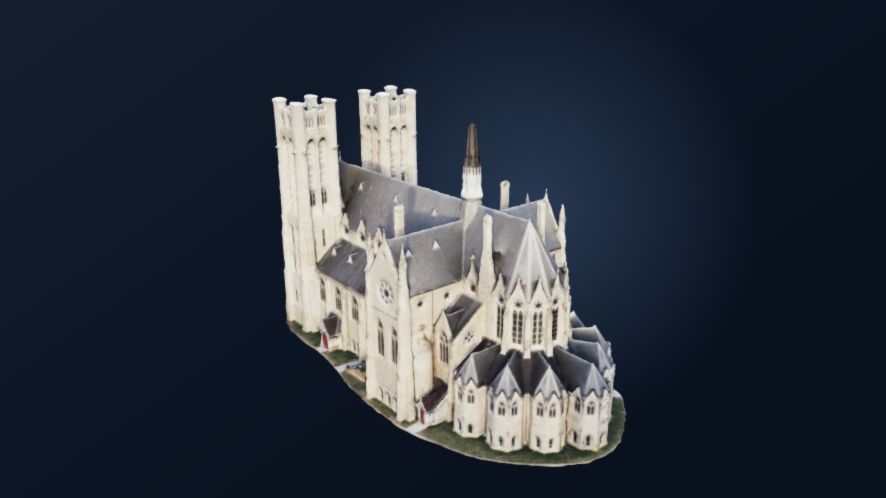
From capture to result
Give your photographs another dimension.
Start with a well-covered subject, choose the available reconstruction workflow and follow the project through processing and review.
-
01 / PREPARE
Choose your capture
Select overlapping photographs or extract useful frames from a video. Sharp images and consistent coverage give the reconstruction more to work with.
-
02 / PROCESS
Start your project
Review the selected inputs and confirm the upload. Follow the cloud job’s progress from your account workspace.
-
03 / EXPLORE
Review and download
Open the available result in the browser, inspect its coverage and download the outputs provided by your completed project.
Good to know
Built around your capture.
The quality of a reconstruction depends on what the photographs show. Plan the capture before committing to a project.
Selecting files is preparation. Processing begins after you confirm the upload and start the job; plan limits apply.
Reconstructions and orthophoto visuals support visualization and general inspection. They are not certified survey, engineering or legal-boundary deliverables.
Common questions
Before you begin.
Can I use drone video?
The browser can extract selected frames from a video. Review the frames for sharpness, overlap and coverage before uploading them.
Do I need an account?
Sign in to manage processing projects and their results. The account workspace shows the available workflows and limits.
Will every capture produce a complete model?
No. Missing viewpoints, blur, reflective surfaces and insufficient overlap can leave gaps or prevent a useful reconstruction. Review both the result and the source imagery.
Ready to explore?